
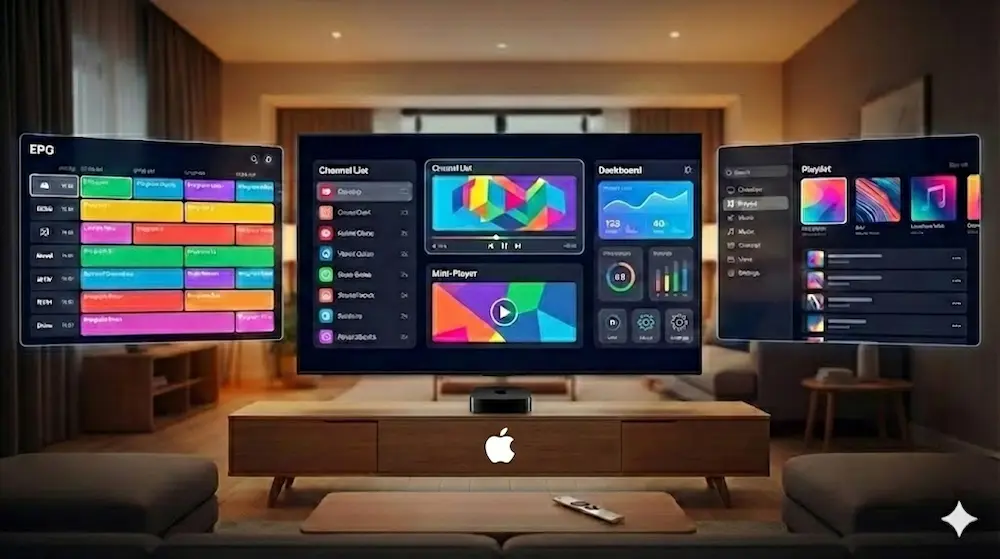
If you are looking for the best IPTV app for Apple TV, you are not just choosing software. You want fast channel switching, a TV guide (EPG) that actually loads, and an interface that feels natural with your Apple remote. Most of these apps also work on iPhone, which makes testing, playlist editing, and quick viewing on the go much easier.
The apps below are the engines that run your TV. But remember: an engine is only as good as the fuel you put in it. These apps connect to your provider using an M3U playlist or Xtream Codes. For the best experience, you need a service that supports high-bitrate streaming to match the Apple TV’s capabilities.
Top App Pick: IPTVX (best visuals) or Smarters Player Lite (best free option). Both are also iPhone compatible, which helps if you want to manage or test your setup away from your TV.
Required Service: Even the best app will struggle if your server is slow. We recommend testing these apps with a premium IPTV service to ensure you get reliable EPG data and stable 4K playback.
We tested these apps based on speed, remote control smoothness, and how well they handle large playlists.
IPTVX is designed specifically for Apple TV, giving it a true tvOS-native feel with smooth navigation, clear menus, and polished visuals. If you care about aesthetics, cover art, and a clean, modern EPG, this is one of the best-looking options available on Apple TV. It also works well on iPhone for quick checks and playlist management.
Smarters Player Lite is one of the most popular IPTV apps on Apple TV and iPhone because it is simple, fast, and easy to set up. It works very well with Xtream Codes, making login quick and straightforward. The layout is familiar and practical, which helps users find channels and categories without confusion, even if the design looks more basic compared to modern Apple apps. It runs smoothly on iPhone as well, making it easy to test streams before watching on Apple TV.
SWIPTV is a lightweight IPTV app built for quick browsing and smooth channel switching on Apple TV. It keeps the interface clean, works well with the remote, and is a solid everyday option if you want something simple that loads channels and the guide without fuss.
iPlayTV is one of the earliest dedicated Apple TV IPTV apps. It prioritizes stability and a traditional cable-style guide layout. It works particularly well for live sports.
GSE is designed for advanced users who want full control over their IPTV setup. It supports multiple formats, including M3U, JSON, and Xtream Codes, and allows detailed playlist management.
Many people install these apps and complain about buffering or missing channels. They often blame the app, but most of the time, the problem is the provider, not the player.
Apple TV is capable of 4K streaming, but it needs a server that can consistently deliver that bandwidth.
In short, your provider matters just as much as the app you choose.
The Xtream Codes method is usually faster and more reliable than pasting long M3U links.
Choosing the right IPTV app for your Apple TV depends on your needs.
If you want the best visuals and a premium feel, IPTVX is the top choice. If you want something free, simple, and reliable, Smarters Player Lite remains a strong option.
However, no app can fix a poor connection. To get the full 4K experience your Apple TV is capable of, you need a high-quality provider.
Do not guess. Test it yourself.
Claim your Ultimate ROXTV Trial and see the difference on your Apple TV.
IPTVX has a free version with limitations. To unlock features like family sharing, background app refresh, and the "continue watching" list, you typically need a Pro subscription (monthly or yearly).
It depends on your region and internet provider. However, ROXTV is designed to work securely without throttling. If you already use a VPN, most of the apps listed above support VPN configurations.
Yes. Apps like IPTVX and SWIPTV support 4K resolution. However, the app is just the player. You need a premium provider like ROXTV that actually broadcasts the channels in 4K/FHD resolution.
We recommend SWIPTV or IPTVX. SWIPTV is cleaner and faster for zapping, while IPTVX offers a more visual, Netflix-style experience.
Our commitment is to deliver a premium streaming experience, backed by stable servers and dedicated 24/7 support.