
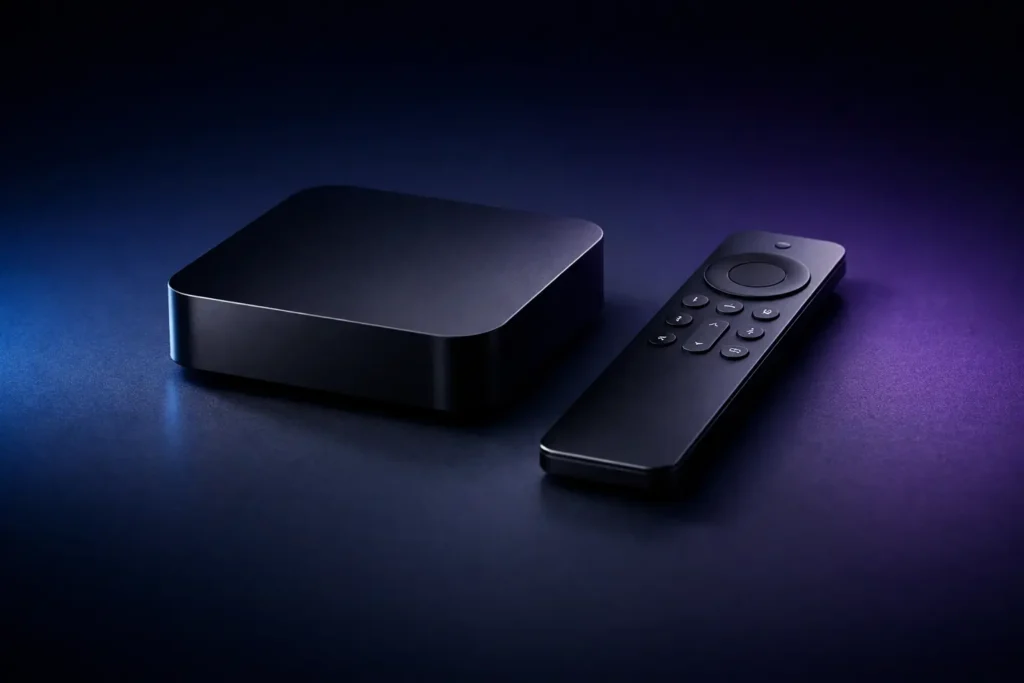
If you’re shopping for an IPTV box, you’re probably looking for one main thing: smooth streaming.
Here is something many people discover over time — the box absolutely matters, but your IPTV Canada service matters even more. This guide breaks down exactly what to look for, what to avoid, and how to minimize buffering (especially for live sports in Canada).
We’ll cover generic IPTV box bundles, IPTV box Android devices, Formuler boxes, MAG IPTV boxes, and the setup choices that actually affect your performance.
An IPTV box is a streaming device (set-top box) that connects to your TV and lets you watch live TV, sports, and on-demand content over the internet. Instead of relying on traditional cable hardware, the box runs modern apps or dedicated IPTV software to load your channels, VOD library, and Electronic Program Guide (EPG).
Quick reality check: If your streams freeze during a big game, it’s usually not because you didn’t buy the most expensive box. More often than not, it is related to your IPTV provider’s server quality, your home network setup, or ISP throttling.
| Feature | Android TV Box | Formuler Box | MAG Box |
|---|---|---|---|
| App Support | Massive (TiviMate, Smarters Pro via Google Play) | Excellent (Native MYTVOnline + Android Apps) | None (Portal-based only, no 3rd party apps) |
| Setup Ease | Easy (Xtream Codes via Apps) | Very Easy (Xtream Codes via MYTVOnline) | Easiest (Provide MAC Address to provider) |
| Performance | Varies by hardware specs | Premium, heavily optimized for Live TV | Reliable for basics, struggles with heavy 4K |
Once you have your hardware, the app you decide to install plays a major role in your viewing experience.
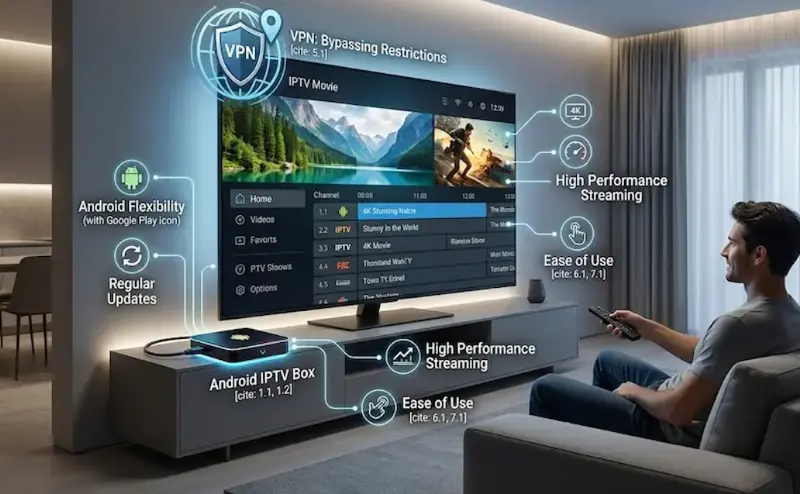
An IPTV box Android device is popular largely because of its flexibility. Android boxes let you run modern apps, receive regular updates, and optimize your performance. Additionally, you can easily install a VPN for IPTV to bypass network restrictions.
If you’ve been looking into a Formuler IPTV box, you likely know it’s a well-regarded name in streaming hardware. Choosing an IPTV box Formuler model provides a very smooth, TV-first navigation experience compared to standard budget boxes.
Bottom line: Pair quality Formuler hardware with a reliable service like RoxTV to get the most out of your investment.
MAG IPTV boxes are a classic choice for many, but as streaming demands rise, many users now turn to more flexible, future-proof solutions like Android-based or Formuler boxes. Pairing these devices with RoxTV‘s ultra-reliable servers ensures uninterrupted sports streaming and a premium experience.
Remember: MAG IPTV boxes don’t use apps. At RoxTV, we provide service for MAG via MAC Address Portal registration. You provide your MAC address, we activate it on our end, and your channels load automatically.
Looking to stream NHL, UFC, or NFL games in Canada? Forget the hassle of cheap IPTV box bundles. For the best sports experience, opt for a dedicated Android or Formuler box, integrated with RoxTV’s ultra-reliable local server infrastructure. This combination ensures buffer-free, crystal-clear 4K sports streaming, even during the most intense matches.
RoxTV is engineered to work smoothly with most devices. Whether you use an Android system or a dedicated portal device, our setup integrates easily.
Pro Tip: RoxTV utilizes Anti-Freeze Technology 6.0 and high-bitrate servers optimized specifically for the Canadian market to help minimize buffering during live sports events.
The reality is that your box can’t fix an overloaded IPTV service. If the provider’s infrastructure is weak, or if you are dealing with ISP throttling without a VPN for IPTV, you will likely still experience freezing — even on premium hardware.
What Separates RoxTV From Standard IPTV:

Ready to improve your streaming experience? Follow these simple steps to get connected with RoxTV today: